An app for the patient, a dashboard for the clinician.
The patient opens the app and finds the assigned programme. The physiotherapist prescribes the exercises, reviews the results and communicates with the patient. All from a single platform.
How it works, step by step.
From prescription to replay: four moments, on the clinician's side and the patient's.
Prescribe and personalise
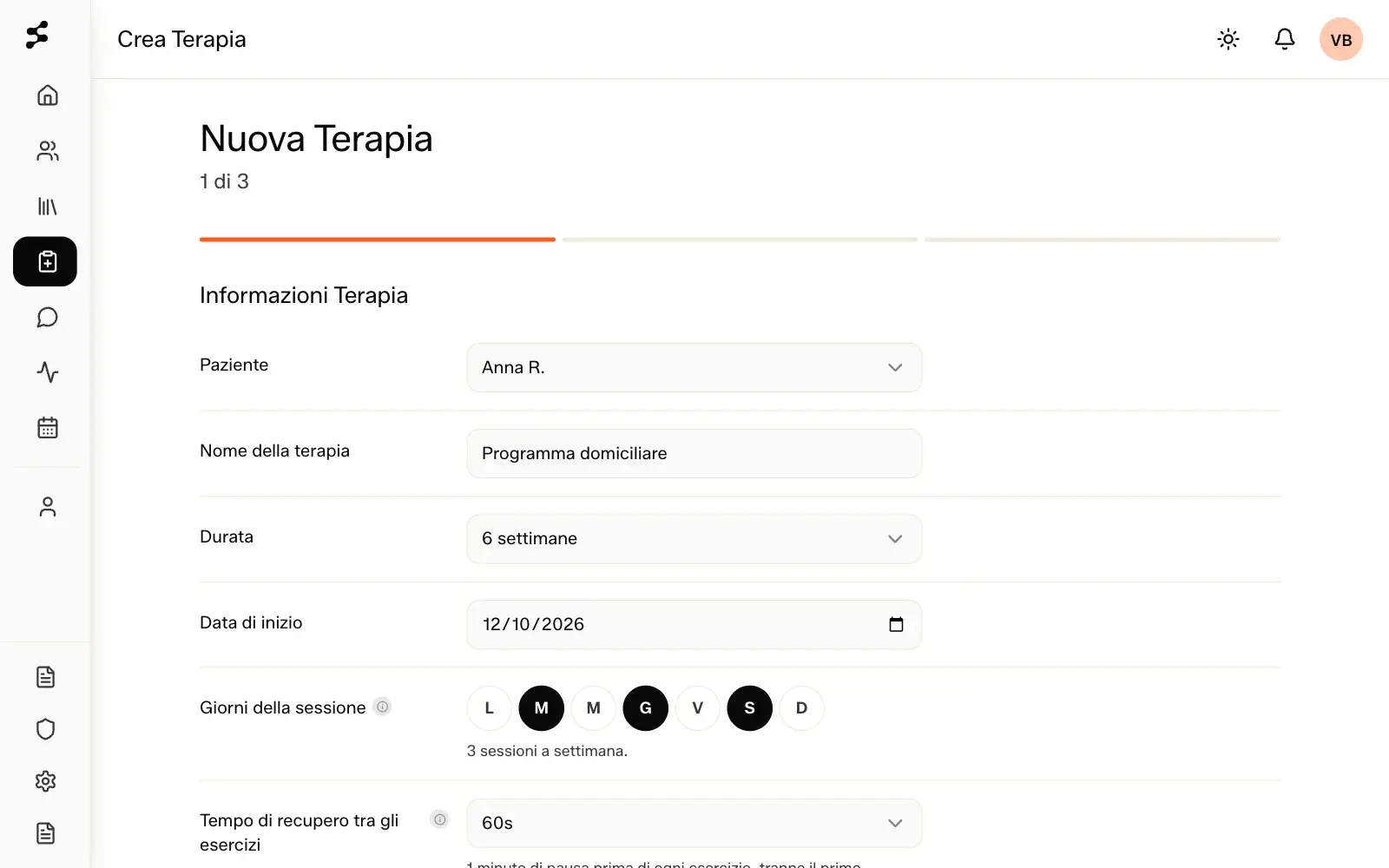
Assign the therapy programme to the patient and tailor it to their needs.
Programme, days of the week, sets, repetitions and rest: you decide them exercise by exercise, starting from the library or from exercises you create.
The AI guides the patient through the exercises, following your instructions
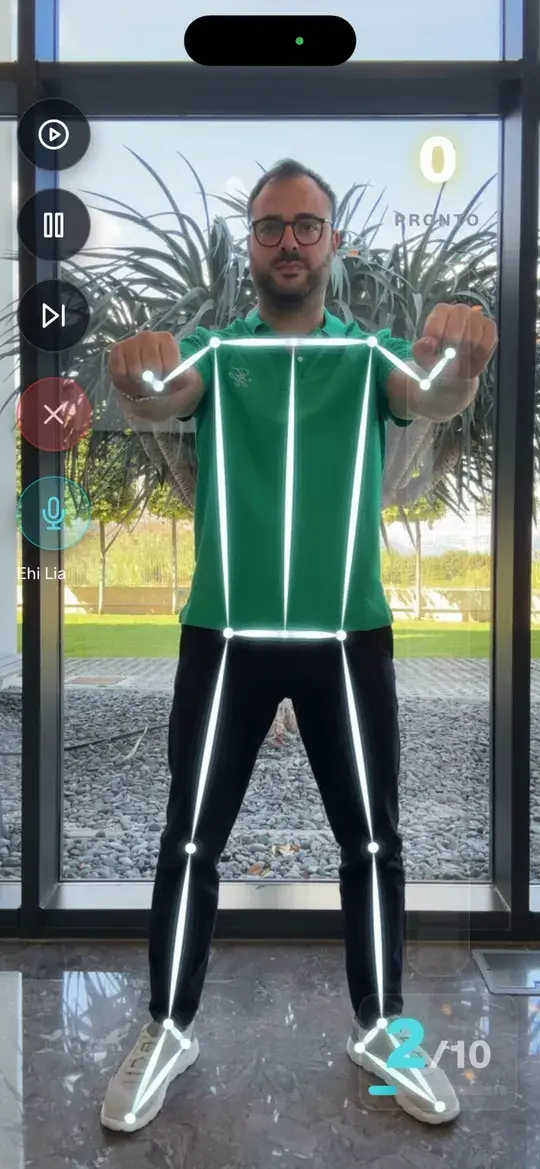
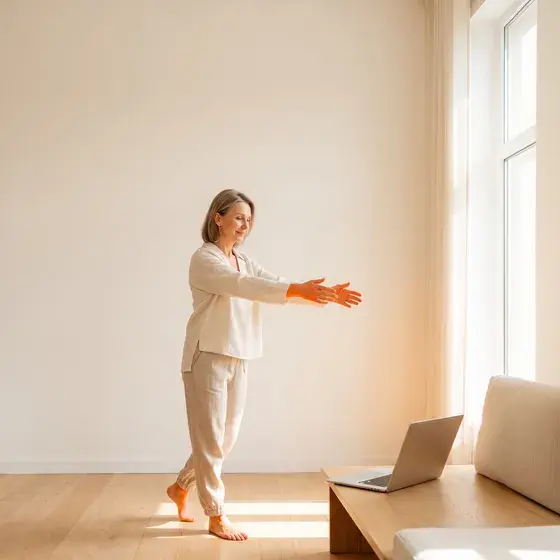
The patient does the exercises at home in front of their own device's camera. The AI analyses the movement and gives voice feedback and visual cues in real time, following the parameters set by the professional.
The patient opens the app, finds today's programme and is guided by Lia's voice. Every parameter you set applies to the AI as well.
See the parametersReview the session results
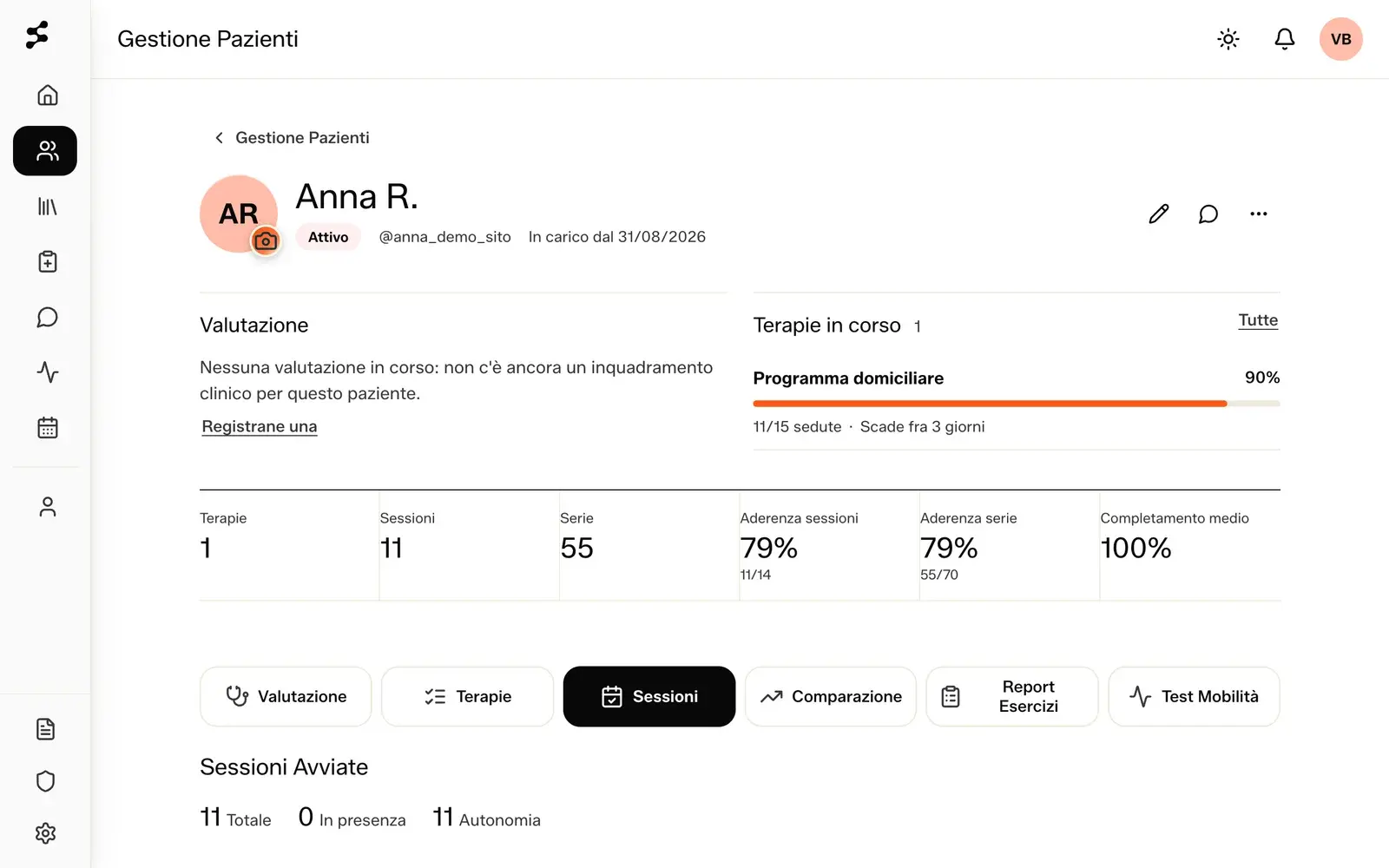
At the end of the session a report is generated with adherence and movement data. From the therapist area you can review this information to follow the programme remotely and step in when needed.
The report is per session and per exercise, exportable to PDF and Excel. Reported pain and the patient's note arrive with the data.
Review the movement. The patient's video is not saved
Selfmotion saves the movement data and uses it to rebuild the execution as a skeleton replay. Images and videos of exercise sessions are not saved, protecting patients' privacy.
The analysis happens on the patient's phone. What reaches us is movement data, not images.
See how we protect data

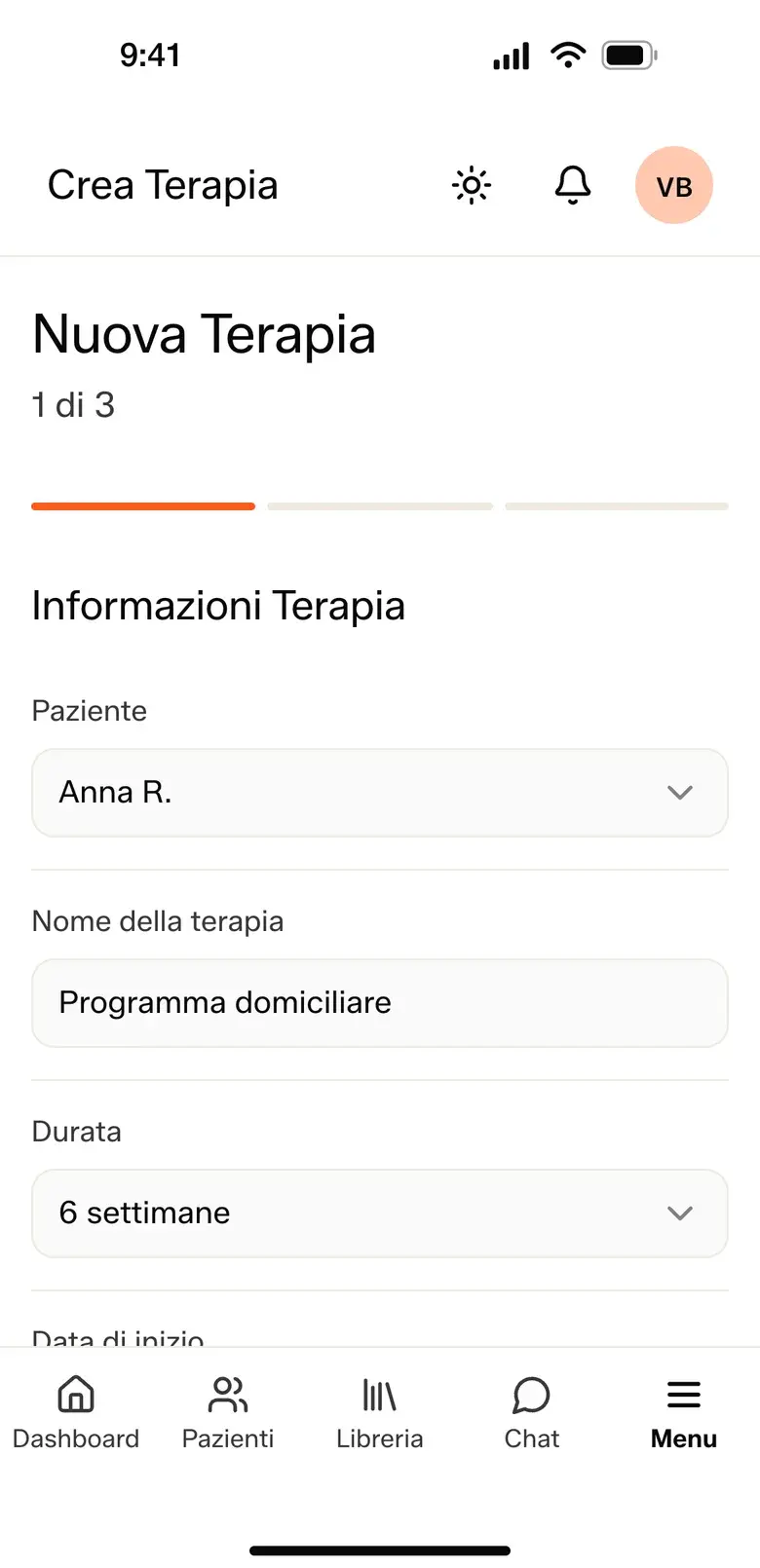
Prescribe and personalise
Assign the therapy programme to the patient and tailor it to their needs.
Programme, days of the week, sets, repetitions and rest: you decide them exercise by exercise, starting from the library or from exercises you create.
The AI guides the patient through the exercises, following your instructions
The patient does the exercises at home in front of their own device's camera. The AI analyses the movement and gives voice feedback and visual cues in real time, following the parameters set by the professional.
The patient opens the app, finds today's programme and is guided by Lia's voice. Every parameter you set applies to the AI as well.
See the parametersReview the session results
At the end of the session a report is generated with adherence and movement data. From the therapist area you can review this information to follow the programme remotely and step in when needed.
The report is per session and per exercise, exportable to PDF and Excel. Reported pain and the patient's note arrive with the data.
Review the movement. The patient's video is not saved
Selfmotion saves the movement data and uses it to rebuild the execution as a skeleton replay. Images and videos of exercise sessions are not saved, protecting patients' privacy.
The analysis happens on the patient's phone. What reaches us is movement data, not images.
See how we protect dataTwo sides, one journey.
The patient sees only what matters today. The clinician sees the whole journey.
The patient app
- Today's programme, one exercise at a time
- The camera follows the movement and counts the repetitions
- Lia, the app's voice, guides the session and takes commands: «Hey Lia, pause»
- At the end of the session, reported pain and a note for the physiotherapist
- Prescribed questionnaires, filled in on the phone
- Calendar, messages and video appointments
The clinician dashboard
- A programme per exercise: sets, repetitions, rest and load
- Days of the week, recurrence and end date
- An exercise library, plus the exercises you create
- Reports per session and per exercise, in PDF and Excel
- Movement replay, including side-by-side over time
- Clinical questionnaires to prescribe
- For management: key indicators, physiotherapists and each one's patients
Personalisation of therapeutic exercises.
From the dashboard, the physiotherapist can personalise a wide range of clinical parameters, such as the range of movement, the speed of execution and the level of precision required of the patient.
The professional decides. The AI follows their instructions.
The AI guides patients' movement based on the parameters set by the physiotherapist.
Set how tolerant the AI is.
Choose whether to flag every small inaccuracy or allow more freedom of movement. You can ask for more precision on one aspect of the movement and more tolerance on another.
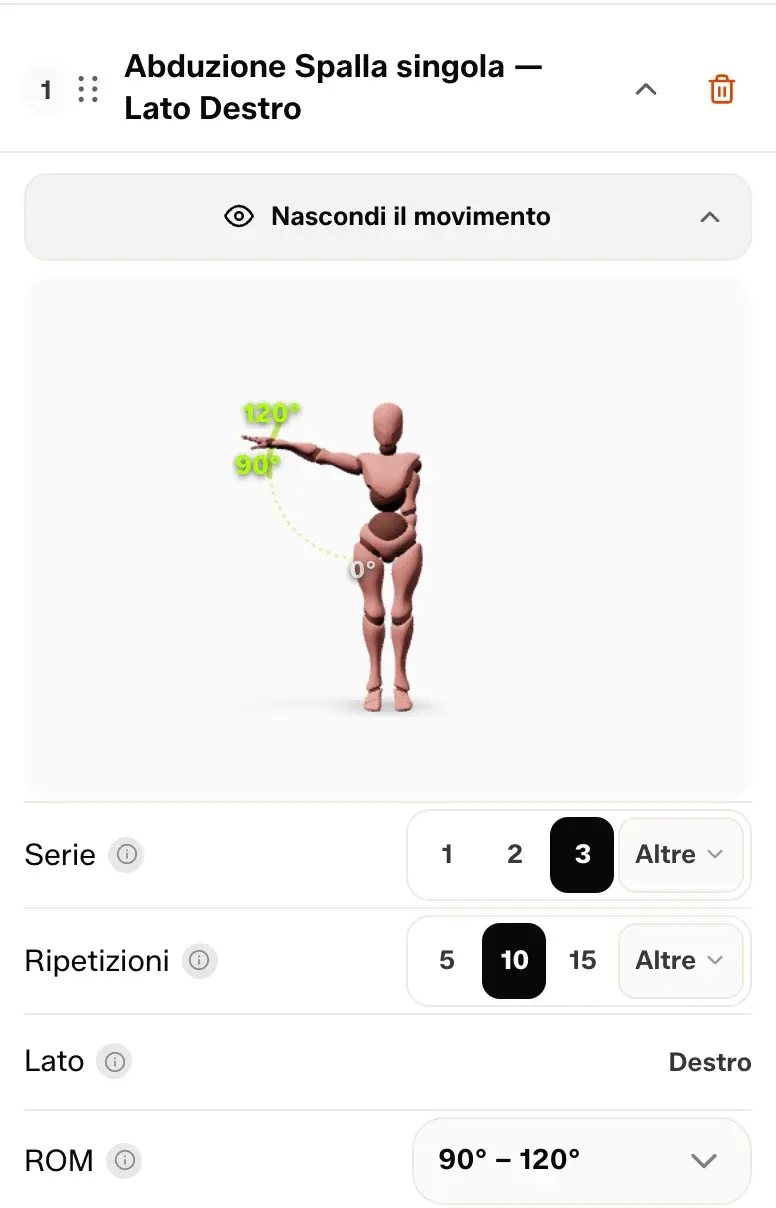
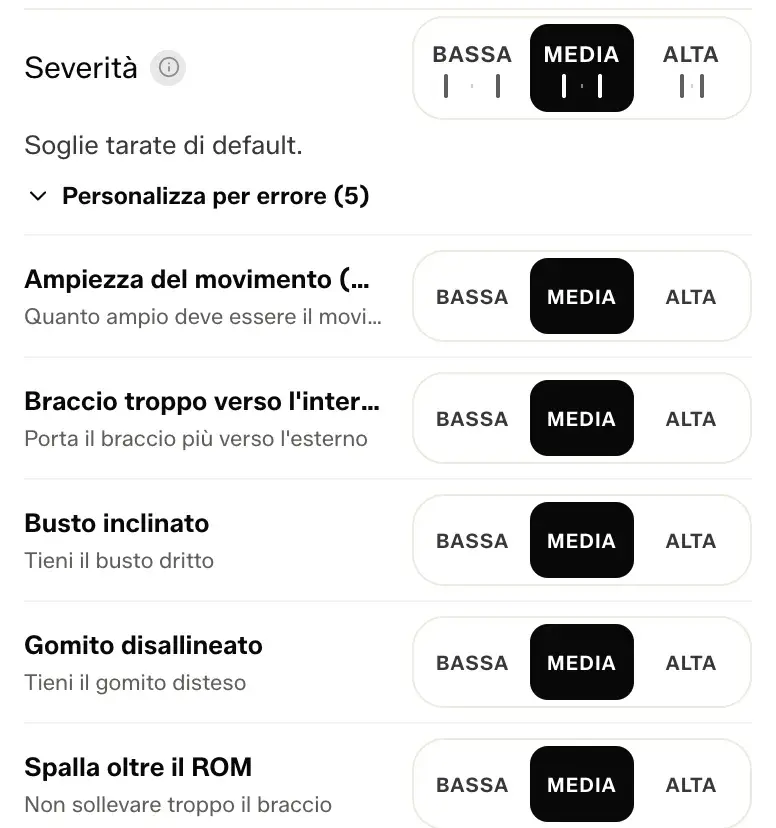
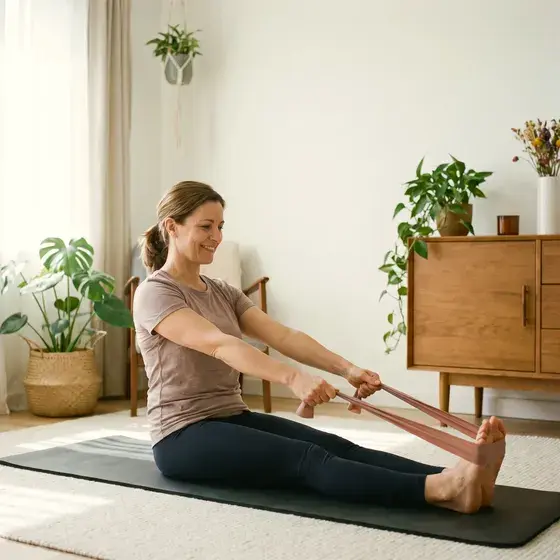
From post-surgical rehabilitation to musculoskeletal and geriatric physiotherapy.
The high level of personalisation lets you adapt the exercises to patients with different motor abilities and different rehabilitation pathways.
Kinematic movement analysis tools
Detect the patient's range of movement.
With Selfmotion you can detect the range of movement (ROM), that is how wide the movement performed by the patient is. The result is expressed in degrees.
You can repeat the test at different times, for example at the start and end of the therapy programme, to compare the values and see any changes.
Compare the patient's movement over time.
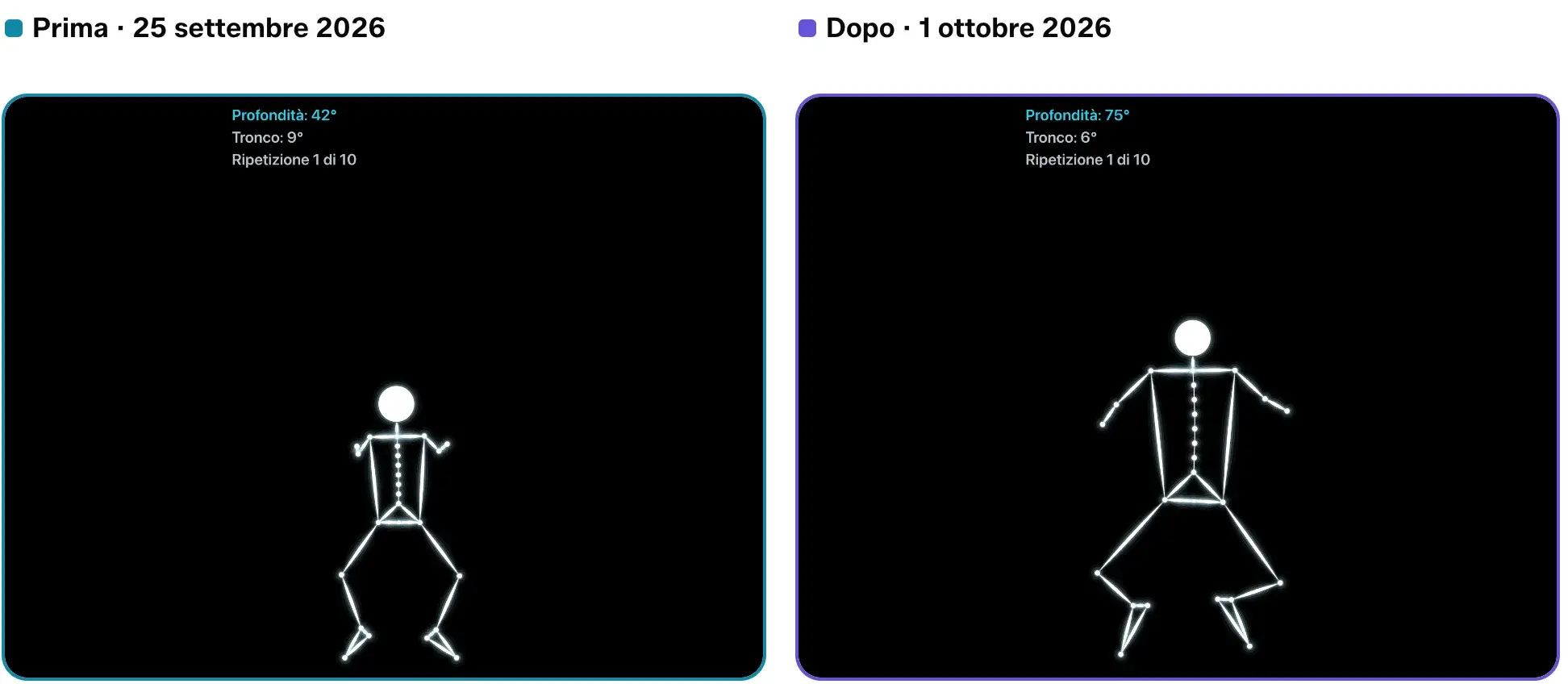
Pick two sets of the same exercise done at different times, for example at the start and end of the programme. Selfmotion shows the skeleton replays side by side, so you can see how the movement changes during the patient's rehabilitation.
The comparison also shows the angle values detected and their difference in degrees, pairing the visual comparison with a number.
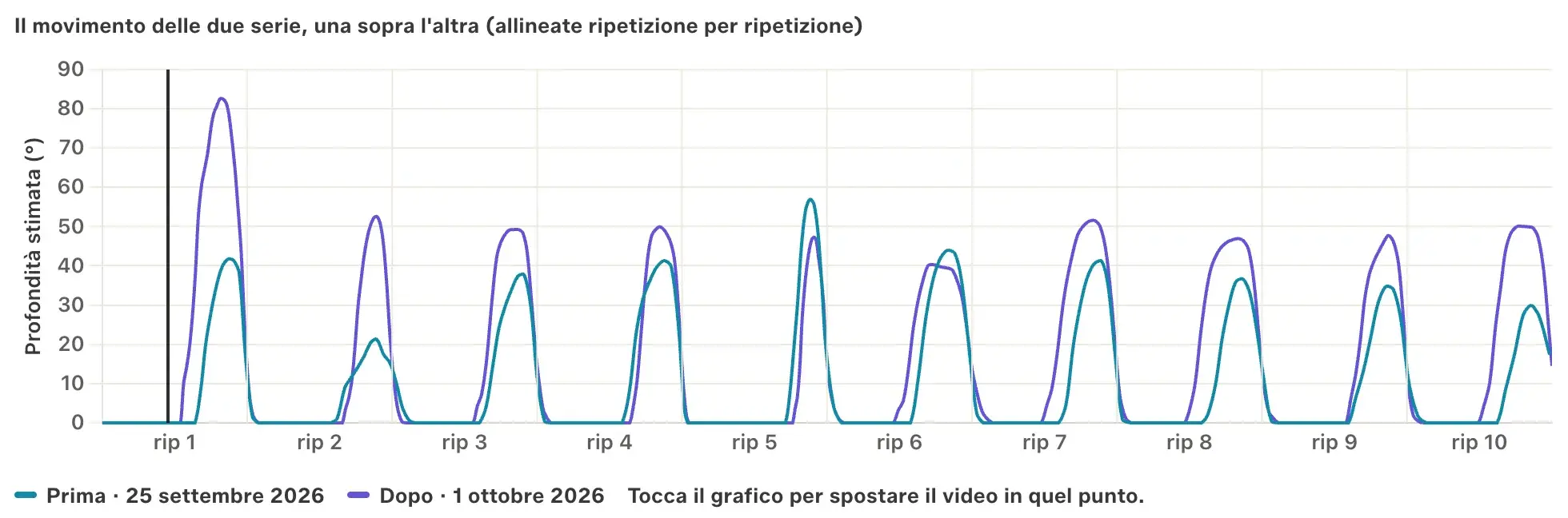
The movement of the two sets, one over the other (aligned repetition by repetition)
Before · 25 September 2026After · 1 October 2026
Estimated depth (°)
Repetition
Everything you need in one platform.
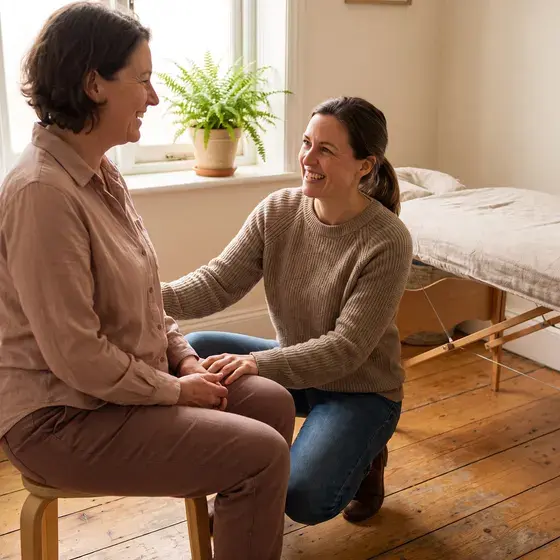
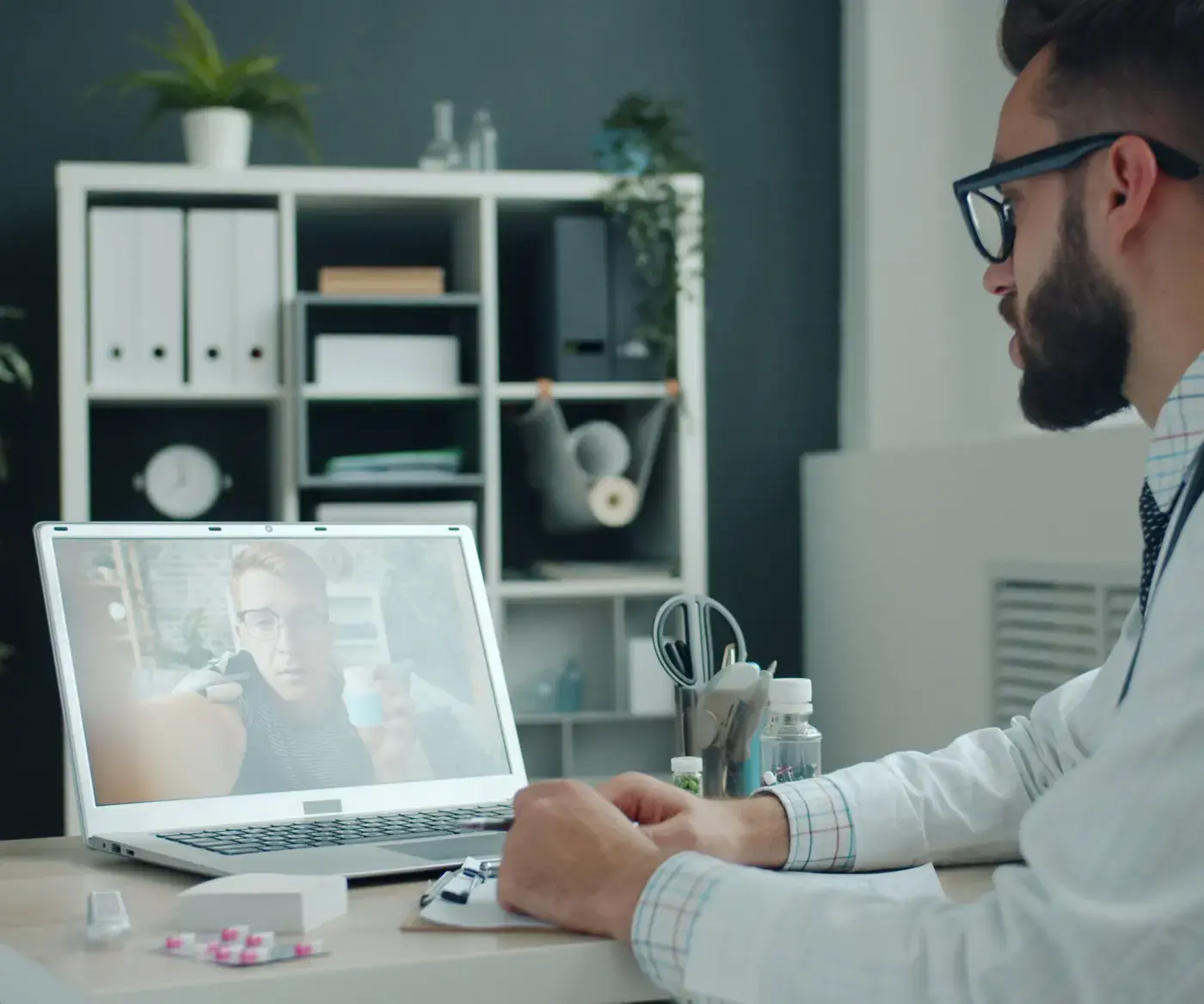
With built-in messaging and video calls, you can stay in touch with the patient directly from Selfmotion, without switching to separate tools.
Message the patient
Exchange messages in the same place where you manage their programme.
Talk on a video call
Add a moment of remote discussion through the built-in video calls.
The images stay on the phone.
The camera frames the patient and their room, but the video stays on the phone, where the analysis happens. Only the movement skeleton reaches the dashboard. Drag the line in the middle to compare the two views.